Get started
Follow these steps to generate custom coupon codes for your customers:
-
Select Location: From your list of store locations, select the specific site where you want to apply the coupon.
-
Navigate to Coupons: Under the Discounting tab, select Coupons and click the Create Coupon button to open the configuration page.
-
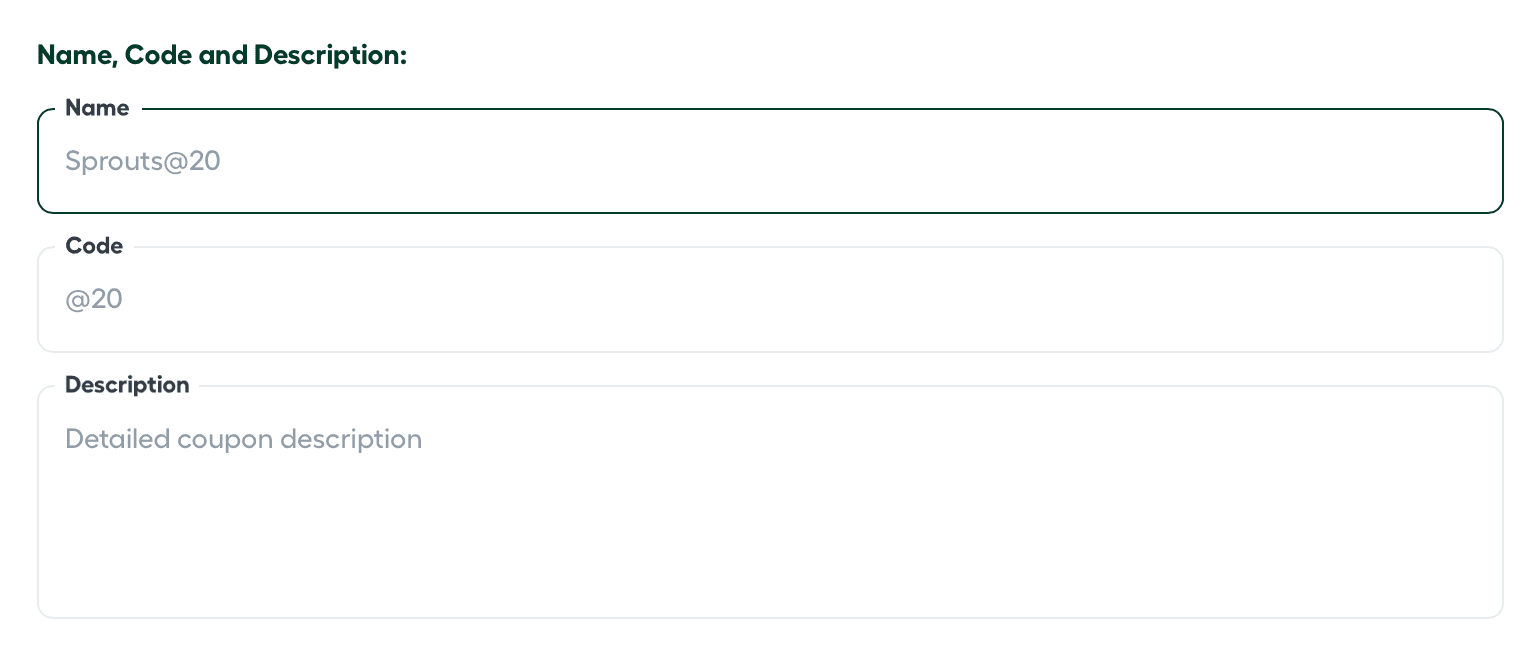
Enter Coupon Details: Fill in the basic identifiers for the promotion:
-
Name: The internal title for the coupon.
-
Code: The specific alphanumeric string customers will enter at checkout.
-
Description: A brief summary of the coupon’s purpose or value.
-
-
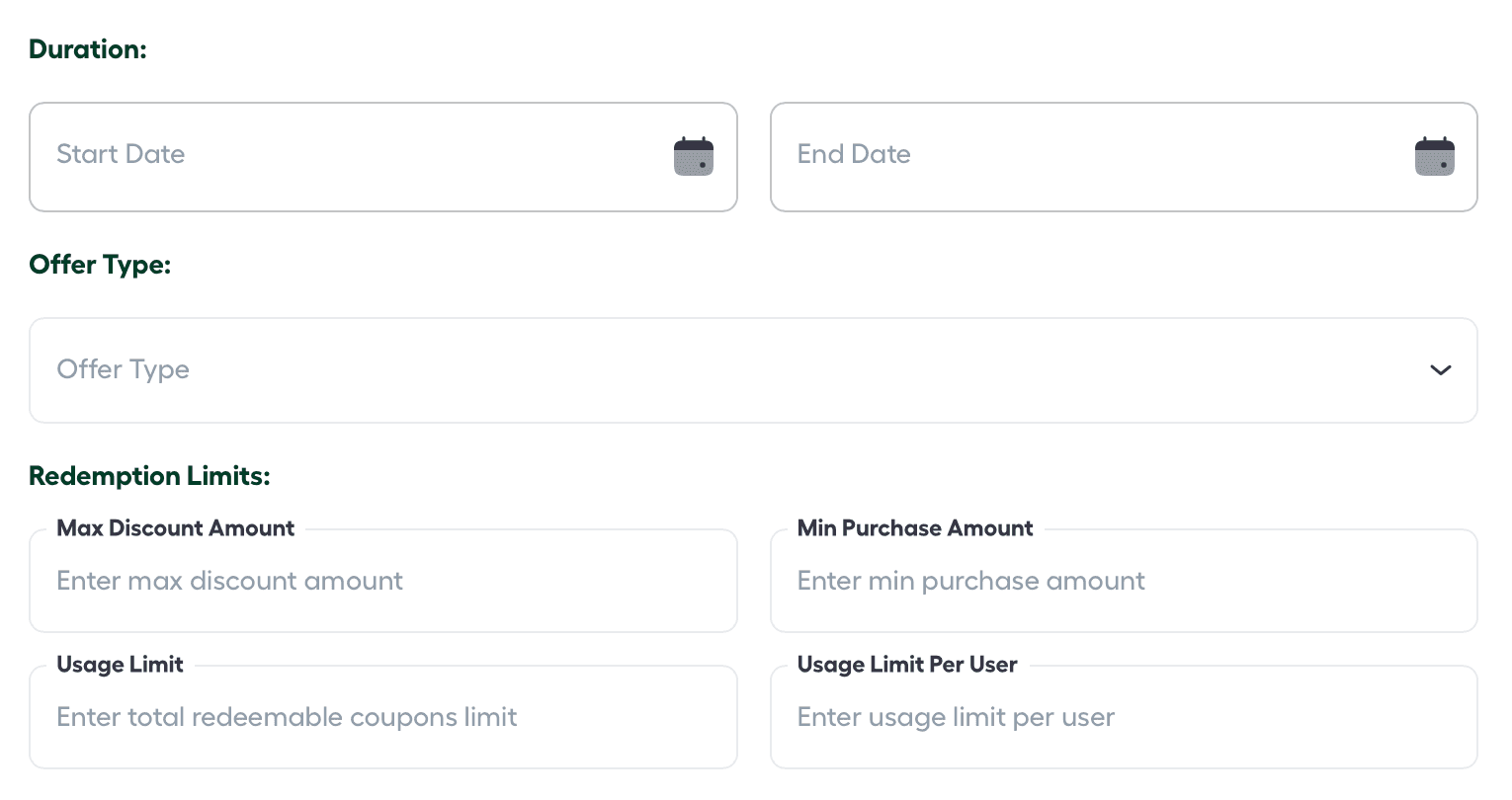
Configure Coupon Properties: Define the rules and logic for the discount:
-
Duration: Set the Start and End dates for when the code is valid.
-
Offer Type: Select between a Percentage Discount or a Fixed Amount Discount.
-
Redemption Limits: * Max Discount: The maximum value allowed for a single transaction.
- Usage Limit: The total number of times this coupon can be used store-wide.
- Min Purchase Amount: The minimum basket total required to activate the code.
- Usage Limit Per User: The number of times a single customer can redeem the code.
-
-
Set Active Status: Once the details are finalized, toggle the Active Status button to “On.”
-
Finalize: Click the Create Coupon button to complete the process and save your changes.