How to create offers
You create offers either when you define a campaign in Instagrocer Platform Portal or when you update your catalog inventory file with promotions. You can also have Instagrocer Marketing Solutions create and run campaigns on your behalf.
Campaign offers
Define a campaign with an offer in the Instagrocer Platform Portal. For Storefront, you can define offers with item, basket, and fee rewards. For Marketplace, you can define offers with basket rewards. For more information, see Campaigns and offers in the Instagrocer Platform Portal help.
Follow these steps to configure and launch a custom offer incentive for your store:
-
Select Location: From your list of store locations, select the specific site where you want to create the offer.
-
Navigate to Offers: Under the Discounting tab, select Offers and click the Create Offer button to open the configuration page.
-
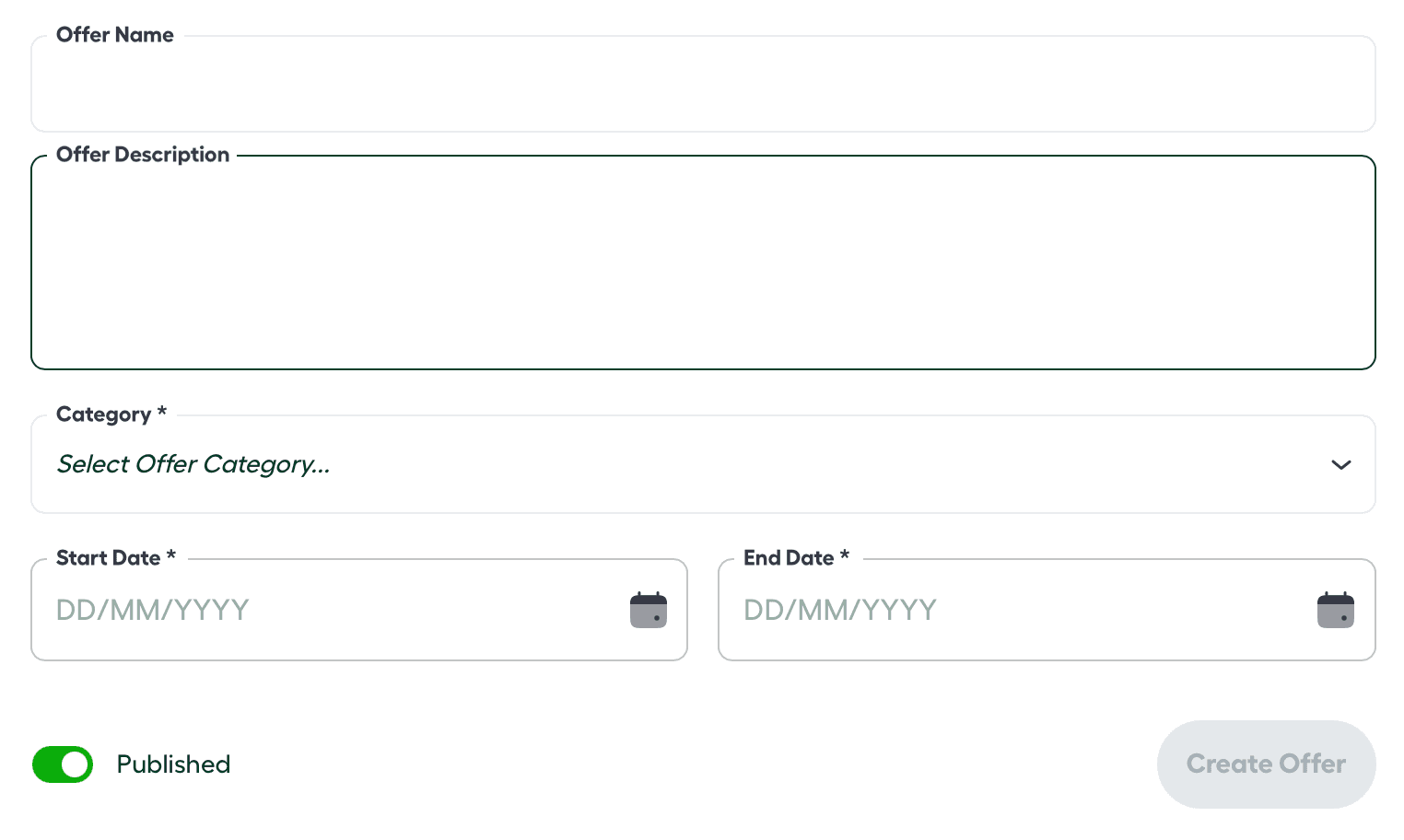
Complete Offer Details: Provide the following required information:
-
Offer Name: A clear title for the promotion.
-
Offer Description: A customer-facing explanation of the deal.
-
Category: The classification for the offer type.
-
Start & End Date: The active window for the promotion.
-
-
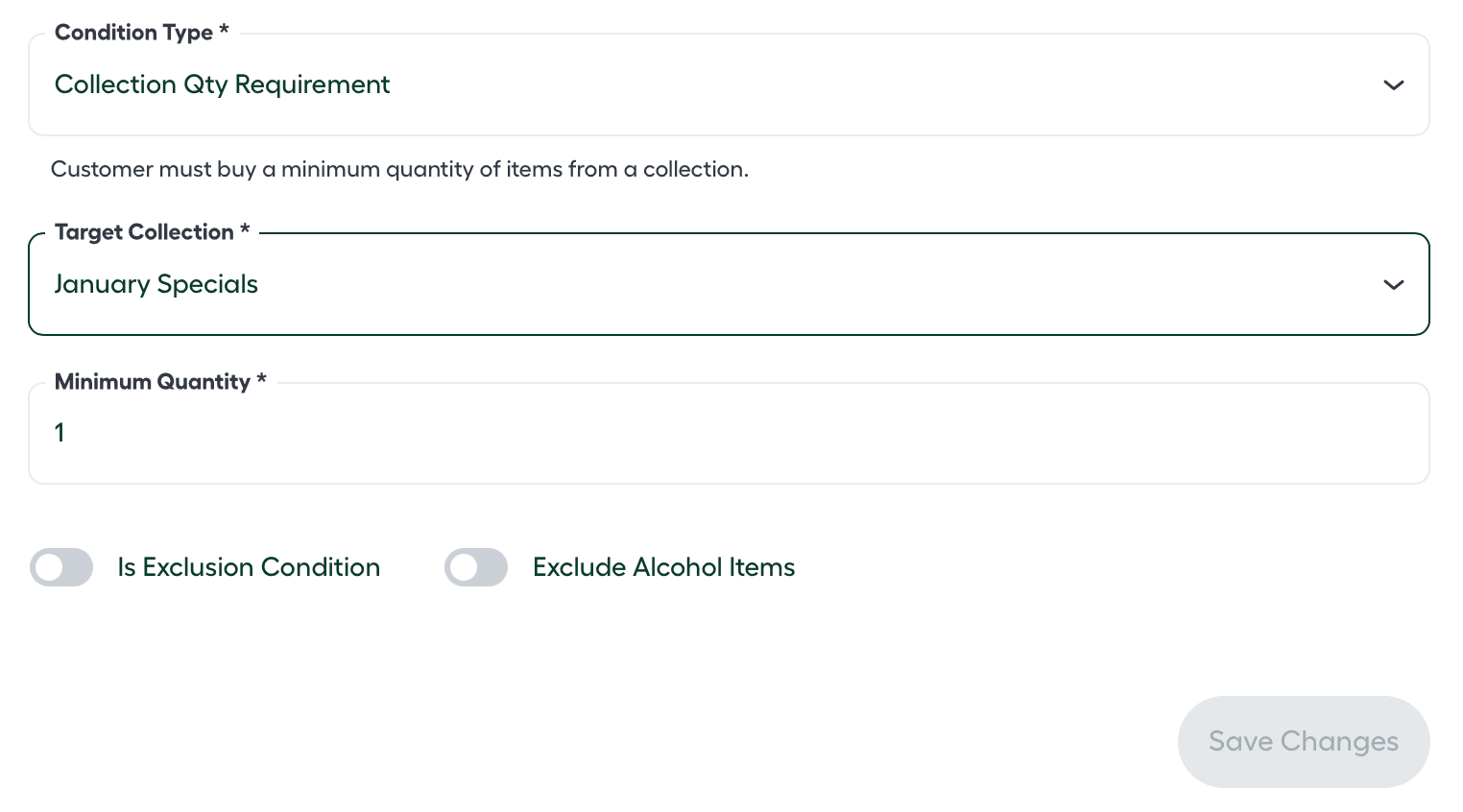
Define Offer Conditions: Click Create Offer to proceed to the conditions logic. Set the “Triggers” for the reward:
-
Condition Type: Select from Item Quantity, Item Spend, Collection Quantity, or Collection Spend requirements.
-
Target Collection: Choose the specific product group the condition applies to.
-
Threshold: Define the minimum quantity or spend amount required to trigger the offer.
-
-
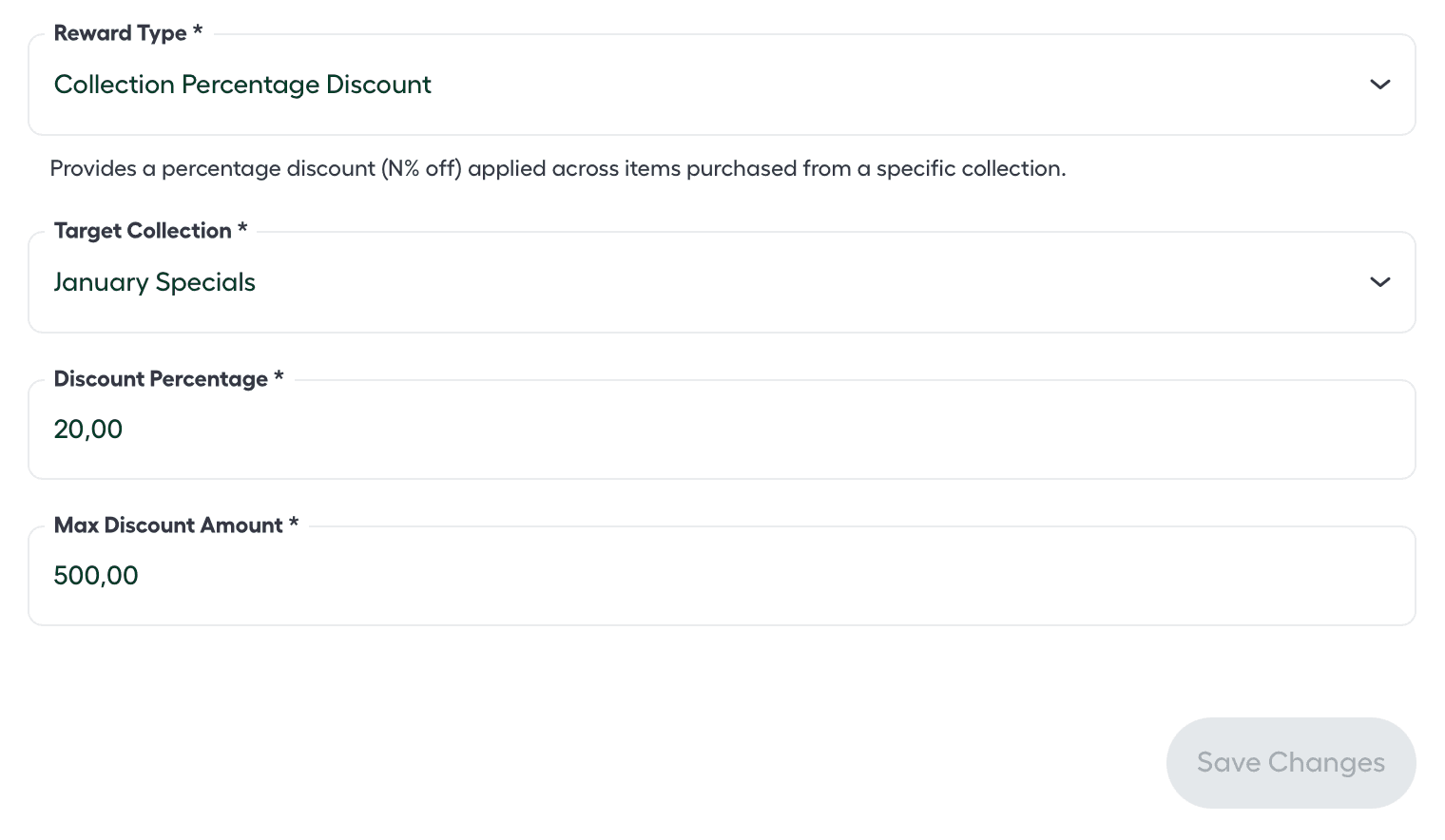
Set Offer Rewards: Define what the customer receives once conditions are met:
-
Reward Type: Choose how the discount is applied (e.g., individual items, basket, or fees).
-
Target Collection: Select which products the reward applies to.
-
Reward Value: Enter the specific benefit, such as Quantity Rewarded, Discount Amount, or Percentage Off.
-
Catalog promotions
For both Storefront and Marketplace, you can create item discount offers by defining the promotion in your catalog inventory file. The reward is applied automatically when the condition is met. You can create promotions that are targeted to all customers or only loyalty members.
Instagrocer supports the following offers:
- Buy 1, get 1 free
- Buy M, get percentage off an item
- Buy M, get Shilling off an item
- Buy M or more, get percentage off an item
- Buy M, get percentage off items, and buy N, get percentage off items (Tiered)
- Buy M for a fixed price
- Buy M pounds for a fixed price
- Buy M, get 1 for a fixed price
- Buy M items for KESX off each item
- Buy M units or pounds for KESX per unit or pound
For more information and examples, see Storefront offer types.
Instagrocer Marketing Solutions
You can have Instagrocer Marketing Solutions create and run campaigns on your behalf. For more information, contact your Instagrocer representative.